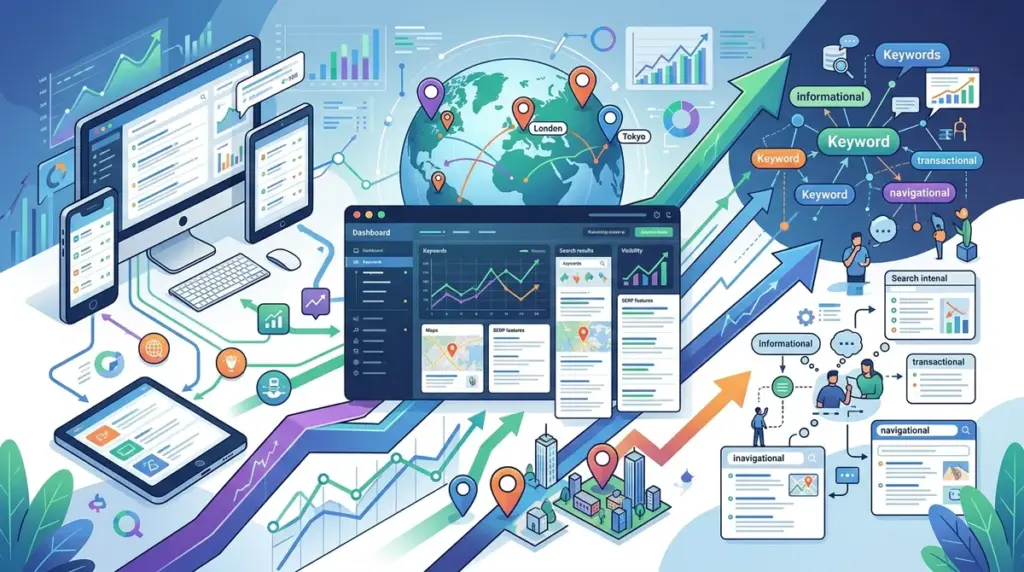
Tracking a single average position for a keyword is a vanity metric that obscures more than it reveals. In the current search landscape, a "number one ranking" is a variable state, not a fixed point. A user searching for "commercial insurance" on a desktop in London sees a fundamentally different SERP than a user on an iPhone in Manchester. If your reporting doesn't account for the intersection of device type, hyper-local geography, and searcher intent, you are making budget decisions based on incomplete data.
The Divergence of Mobile and Desktop SERPs
Google’s mobile-first indexing means the mobile version of your site is the baseline for ranking, but the layout of the results page differs significantly between devices. Mobile SERPs are increasingly dominated by visual elements, local packs, and "People Also Ask" (PAA) boxes that push organic results further down the fold.
Best for: E-commerce and local service providers where mobile click-through rates (CTR) often exceed desktop by 20-30%.
When monitoring rankings, you must segment your data to identify "feature gaps." For example, your site might rank position three on both devices, but on mobile, that position is buried under a three-pack of maps and two sponsored ads. Monitoring device-specific rankings allows you to adjust your metadata—such as shortening titles for mobile screens—or prioritize technical fixes for the device that drives the most high-value traffic.
- Mobile-Specific Features: Monitor visibility in App Packs, Short Videos, and Image Carousels.
- Desktop-Specific Features: Track Knowledge Panels and extended Sitelinks that may not appear on smaller screens.
- Core Web Vitals: Cross-reference device rankings with device-specific loading speeds to identify if performance bottlenecks are suppressing mobile visibility.
Granular Geo-Targeting: Beyond Country-Level Data
For businesses with a physical footprint or regional service areas, country-level rank tracking is virtually useless. Google uses IP addresses and GPS data to serve results tailored to the user’s immediate vicinity. A "plumber" search in Brooklyn will never return the same results as one in Queens.
To monitor this accurately, your tracking configuration should utilize specific zip codes or even GPS coordinates. This level of granularity reveals "ranking dead zones"—areas where your competitors are outperforming you in the local map pack despite your superior domain authority. This data should dictate your local landing page strategy and your Google Business Profile optimization efforts.
Warning: Avoid relying on "near me" keyword variants as your only local metric. Google automatically appends location intent to broad queries. Track the core service term (e.g., "HVAC repair") across multiple specific zip codes to see the true radius of your local search dominance.
Classifying Rankings by Search Intent
Search intent is the "why" behind the query. Google categorizes keywords into four primary buckets: Informational, Navigational, Transactional, and Commercial. Monitoring rankings without categorizing keywords by intent leads to a misunderstanding of your conversion funnel.
Informational Intent
These are "how-to" or "what is" queries. Rankings here are often volatile because Google frequently tests different Featured Snippets. Monitoring these requires a focus on "Position Zero." If you lose a Featured Snippet, your traffic can drop by 50% even if you remain the first organic result.
Transactional and Commercial Intent
Queries like "buy enterprise CRM" or "best laptop 2024" trigger heavy ad presence and comparison widgets. Monitoring these rankings requires looking at "Share of Voice" rather than just position. If the SERP is 80% ads and aggregators, a position one organic ranking might yield less traffic than a position five ranking on an informational query with no ads.
Building a Multi-Dimensional Monitoring Workflow
To implement a sophisticated monitoring system, you must move away from a flat list of keywords. The workflow should follow a structured hierarchy that mirrors the user's path to purchase.
First, tag every keyword in your tracker by its intent. Second, set up separate tracking profiles for desktop and mobile. Third, select "Pulse Locations"—specific cities or neighborhoods that represent your highest-value markets. This allows you to filter your dashboard to see, for instance, how your "Transactional" keywords are performing on "Mobile" in "Chicago."
This segmentation reveals specific actionable insights:
1. If rankings are high but CTR is low, check for "SERP Crowding" from ads or map packs.
2. If mobile rankings are lagging behind desktop, investigate mobile-specific technical issues like intrusive interstitials or slow Cumulative Layout Shift (CLS).
3. If local rankings drop outside a five-mile radius, it indicates a need for more localized backlink building or city-specific content.
Turning Rank Data into Commercial Strategy
The end goal of multi-device and multi-location tracking is resource allocation. If the data shows that you dominate desktop rankings for "Commercial Intent" keywords but are non-existent on mobile, your next sprint shouldn't be content creation—it should be mobile UX optimization. Similarly, if you see a competitor suddenly appearing in local packs across several zip codes, you can reverse-engineer their local citation or review strategy before they erode your market share.
Stop reporting on "Average Position." Start reporting on "Market Visibility" across the specific segments that actually convert. This shift moves SEO from a marketing expense to a predictable business intelligence asset.
Technical Tracking FAQ
How often should I track rankings across different locations?
For high-competition local markets, daily tracking is necessary to spot "Map Pack" fluctuations. For national informational keywords, weekly tracking is usually sufficient to monitor trend lines without getting lost in daily algorithmic noise.
Does Google show different results for different mobile operating systems?
While the core rankings rarely differ between iOS and Android, the display of SERP features (like App Store links or specific browser integrations) can vary. However, for most SEO purposes, segmenting by "Mobile" as a category is sufficient.
Why does my manual search show a different result than my rank tracker?
Manual searches are influenced by your personal search history, logged-in Google account, and precise browser cookies. Professional rank trackers use "clean" requests via localized proxies to provide an objective view of what an unbiased user would see in that specific location.
Can I track rankings for specific neighborhoods?
Yes. Advanced tracking allows for zip-code level or latitude/longitude coordinates. This is essential for businesses like restaurants or retail stores where search results change every few blocks in densely populated urban areas.