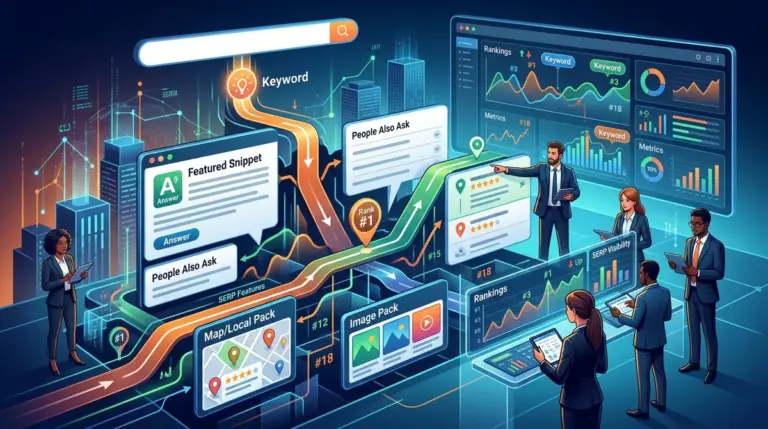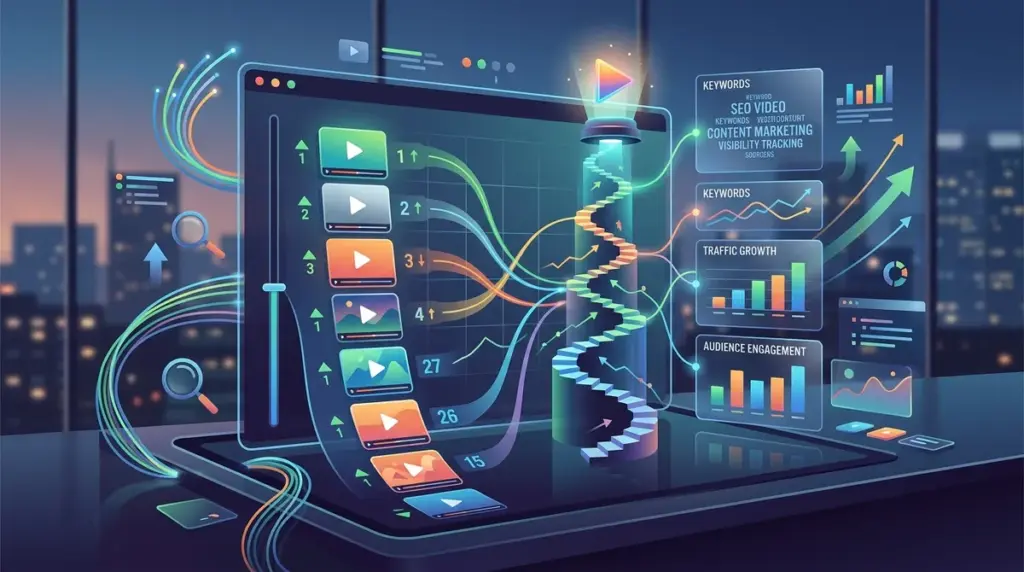
Video content now occupies a dominant share of Google’s search engine results pages (SERPs). For SEO professionals, simply tracking a blue link position is no longer sufficient. You must account for video carousels, featured video snippets, and organic video thumbnails that appear in mobile and desktop results. Tracking these assets requires a shift from traditional keyword monitoring to feature-specific analysis that identifies exactly how and where your video assets are appearing to users. This shift in visibility means you need to understand how SERP features change rankings for your video content.
Distinguishing Between YouTube Search and Google SERP Video Features
Successful video tracking begins by separating internal platform rankings from global search engine visibility. While YouTube is the second largest search engine, its internal algorithm prioritizes watch time and session duration. Google’s main search results, however, prioritize relevance, authority, and technical accessibility. To build a commercially viable strategy, you must track both environments independently.
YouTube Internal Search: This measures how your video performs when a user stays within the YouTube ecosystem. Tracking here is essential for channel growth and ad revenue.
Google Organic Search: This measures how your video competes against standard web pages. Google often displays videos in a "Video Carousel" or as a standalone "Video Thumbnail" next to a standard result. If your video appears here, it often suppresses the click-through rate (CTR) of the traditional organic results below it.
Isolating Video Features in Organic Search Results
To accurately track video rankings, your rank tracking software must be configured to detect specific SERP features. Standard tracking often misses the nuance of "Video Carousels," which can contain up to ten videos in a horizontally scrollable format. If your video is in position five of a carousel, but that carousel is at the top of the SERP, your "true" rank is highly visible even if your "organic" rank for the hosting page is lower.
When setting up your tracking parameters, ensure you are filtering for these specific identifiers:
- Video Carousels: Groups of videos usually appearing in the top half of the SERP.
- Featured Video Snippets: A single, large video that plays directly or links to a specific timestamp to answer a query.
- Organic Video Thumbnails: Standard search results that include a small preview image next to the meta description.
- Key Moments: Timestamps within a video that Google highlights directly in the search results, allowing users to jump to specific segments.
Technical Requirements for Video Indexing and Tracking
You cannot track what Google cannot index. If your video rankings are non-existent despite high-quality content, the issue is likely technical. Google requires specific metadata to understand the context of a video and display it as a rich result. Without this, your video remains a hidden asset on a page rather than a trackable SERP feature.
Best for: Technical SEOs and site owners using self-hosted video or third-party players like Wistia or Vimeo.
Pro Tip: Always implement VideoObject Schema markup. This JSON-LD script tells Google the video’s name, description, thumbnail URL, upload date, and duration. Without this structured data, your chances of appearing in a Video Carousel drop by over 80%, regardless of your keyword density.
Tracking Video Visibility Across Devices
Video SERP real estate varies significantly between mobile and desktop. On mobile, video carousels often take up the entire viewport, making them the primary point of interaction. On desktop, they may be pushed to the right-hand side or integrated further down the page. To get an accurate picture of your performance, you must segment your rank tracking by device type.
If you notice a high rank on desktop but a low rank on mobile, check your page load speed and the responsiveness of your video player. Google’s mobile-first indexing applies to video content as well; if the video player slows down the mobile experience, Google will favor a competitor’s YouTube link over your self-hosted page.
Analyzing Competitive Video Real Estate
Video tracking is not just about your own assets; it is about identifying which keywords are "video-intent" keywords. If you are targeting a keyword where the top three results are all video carousels, attempting to rank a 3,000-word text article is a waste of resources. The search intent for that query is visual.
Use your tracking data to identify keywords where competitors are winning through video. If a competitor has a "Key Moments" snippet for a high-volume "how-to" query, your goal should be to produce a video with better timestamping and more descriptive Schema headers to displace them. This is a direct competitive play that goes beyond traditional backlink building.
Measuring the Impact of Key Moments and Timestamps
Google’s "Key Moments" feature has revolutionized how videos are tracked. Instead of just tracking the video’s position, you are now tracking the visibility of specific segments within that video. This effectively turns one video into multiple entry points for a single search query.
To track this effectively, monitor which segments of your video are being surfaced. If Google consistently highlights a segment at the 4-minute mark, that segment is your most valuable asset for that keyword. You can use this data to refine your video scripts, placing the most important information earlier or ensuring that your verbal cues match the keywords you are tracking.
Building a Video-First Tracking Workflow
To integrate video tracking into your standard SEO reporting, follow this sequence. First, identify keywords with existing video features using a SERP analysis tool. Second, ensure all target pages have VideoObject Schema and high-quality thumbnails. Third, set up your rank tracker to specifically monitor "Video" SERP features rather than just standard organic positions. Finally, compare your video rankings against your traditional rankings to see where video is providing a "shortcut" to the top of the page. This multi-layered approach ensures you are capturing the full breadth of your search visibility and not just a fraction of your actual traffic potential.
Frequently Asked Questions
How long does it take for a video to appear in Google search results?
If your page is already indexed and you add VideoObject Schema, Google can often pick up the video within 24 to 48 hours of a recrawl. However, appearing in a Video Carousel may take longer as Google evaluates the video’s engagement and relevance relative to other indexed videos.
Does hosting on YouTube help you rank better on Google?
YouTube videos have a natural advantage because Google owns the platform and can easily parse the metadata. However, self-hosted videos can rank just as well if the technical SEO—specifically Schema and page speed—is handled correctly. Self-hosting is often better for conversion as it keeps the user on your site.
Why did my video rank disappear from the SERP?
The most common reasons are a change in search intent, a broken thumbnail URL in your Schema, or a competitor releasing a more recent video. Google prefers fresh content for many video-heavy queries, so older videos may be rotated out of carousels in favor of newer uploads.
Can I track video rankings for keywords I don't have a video for?
Yes. You should track video features for all your target keywords. If you see a video carousel appearing for a keyword where you only have a text-based page, it is a clear signal that you need to produce video content to maintain or improve your visibility.